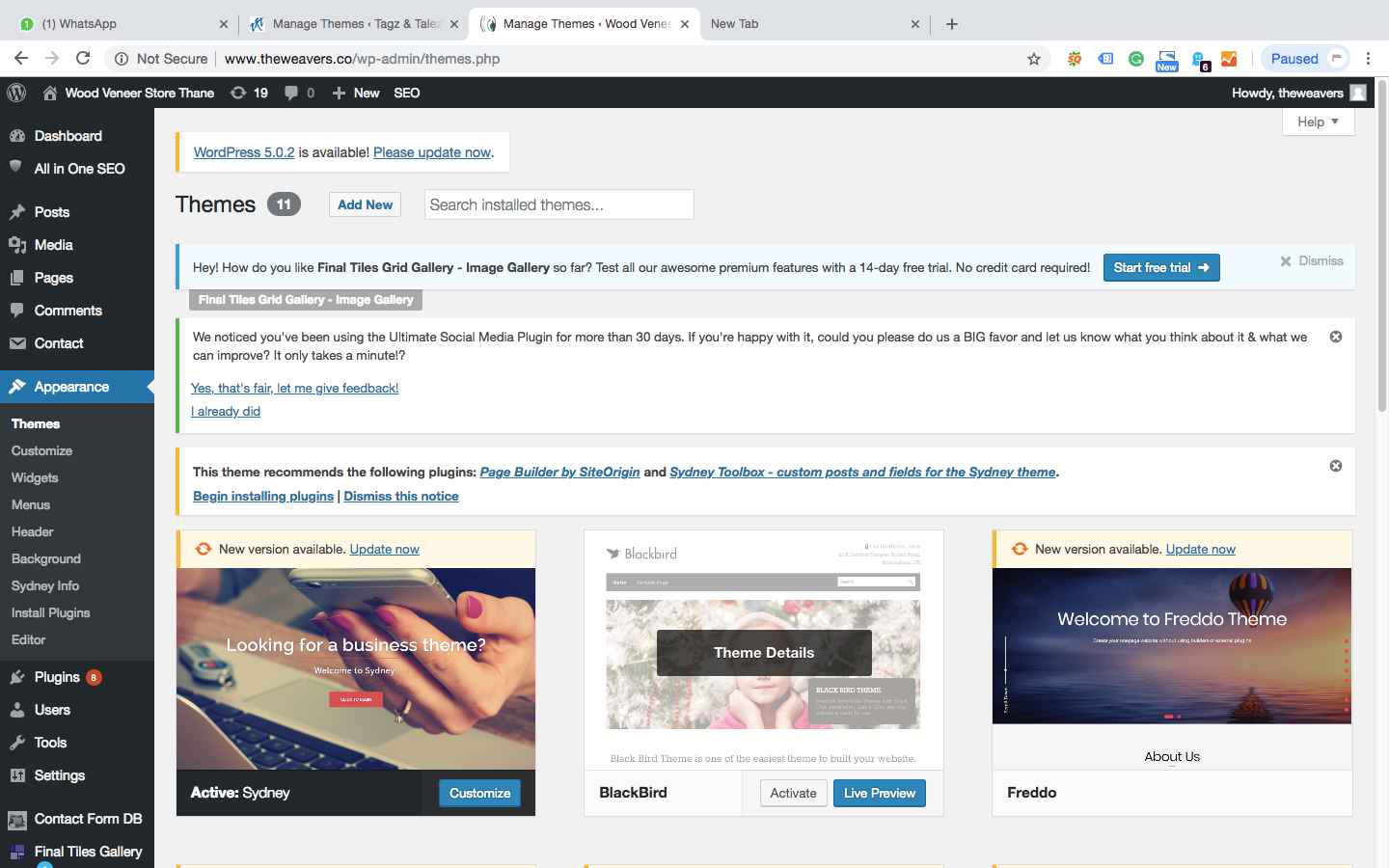
Here is a two-step guide to removing a WordPress theme through a WordPress dashboard.
Step : 1
Login to WordPress dashboard and go to Appearance > Themes

Step : 2
Remember, you can't remove an active theme. Click the deactivated theme and click Delete button on the right corner of the detail page.